
Taking the Renewal Course Together
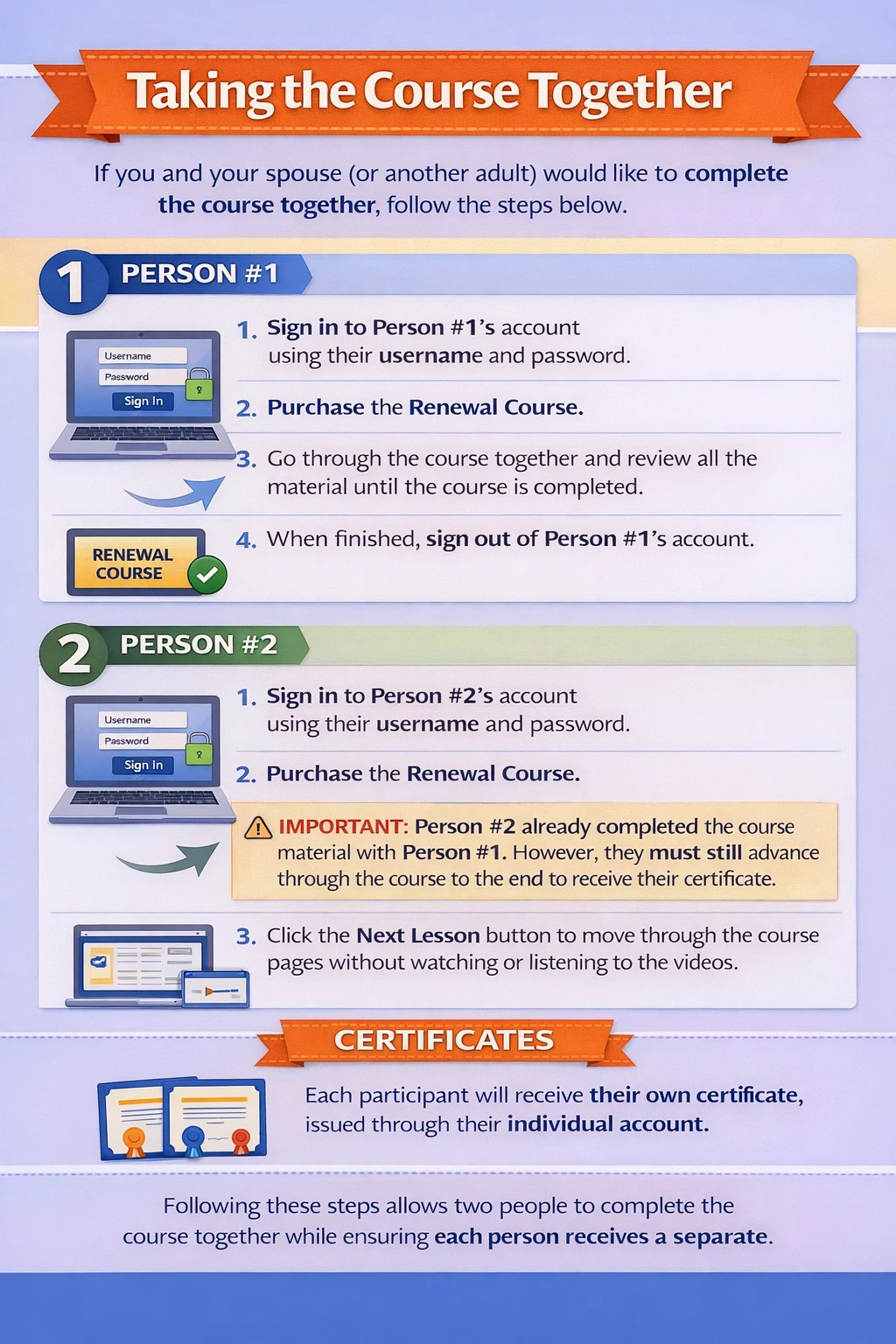
If you and your spouse (or another adult) prefer to complete the course together, follow these steps:
- Each person must be taking the Renewal course
- Each person must log into their own account using their own username and password
- Each person must pay for their course individually
Person #1
-
Log into Person #1’s account using their username and password.
-
Purchase the Renewal Course.
-
Go through the course together, reviewing the material until it is completed.
-
When finished, sign out of Person #1’s account.

Person #2
-
Log into Person #2’s account using their username and password.
-
Purchase the Renewal Course.
-
Attention! Person #2 already took the course with Person #1, but they still must skip through the course to the end to receive their certificate:
-
Click the Next Lesson button without watching or listening to videos.
-
-
Each person will receive their own certificate tied to their individual account.
Following these steps allows you to complete the course together while ensuring each participant receives a separate certificate linked to their own account.
Taking the Course Separately
If you prefer to complete the course on your own schedule, each person should do the following:
Person #1
-
Log into their account with their username and password.
-
Purchase the Renewal course.
-
Complete the course at their own pace.
-
Sign out when finished.
Person #2
-
Log into their account with their username and password.
-
Purchase the course.
-
Complete the course at their own pace.
-
Sign out when finished.
Important: If using the same computer, always sign out before the next person logs in. This ensures each person’s progress and completion are recorded correctly.
By following these steps, each participant will receive their own certificate associated with their individual account.
About
Mature Driver Tune-Up® is a California company headquartered in Redwood City, California, dedicated to helping drivers age 55 and older stay safe on the road while qualifying for valuable auto insurance savings.
Our California DMV-approved Mature Driver Improvement Courses are designed specifically for California drivers—not as one-size-fits-all national programs. After successfully completing the course, you'll receive your Official California DMV Mature Driver Improvement Certificate, which is accepted by all California auto insurance companies for eligible mature driver discounts.
Our mission is simple: provide an easy, convenient online course that helps experienced drivers refresh their driving knowledge, build confidence behind the wheel, and continue enjoying the benefits of safer driving and potential insurance savings.
California DMV Mature Driver Improvement License #: MDIP000069
Recent Blog Entries



Contact Us
Online Course Only (No In-Person Courses)
Phone and Email Support Hours:
• Mon-Thu 8:00-5:00 PT
• Fri 8:00-4:00 PT
Phone: (800) 414-5587
Email: support@mdtuneup.com
Stay Connected
Privacy Policy | Terms of Service | Mature Driver Tune-Up, CA DMV License #MDIP000069